Interactive Brokers + TradingView

Let’s Link Your IBKR Account with TradingView
The IBKR Advantage – Global Market Access and Low Costs
- With the TradingView integration, trade stocks, futures, and bonds on over 175 global markets
- Fund your account and trade assets in 29 currencies1
- Commissions start at $0 on US listed stocks & ETFs4 with low commissions on other products, and there are no added spreads, ticket charges, or account minimums
- Low margin rates starting at USD 4.38% 2
- Earn extra income on your lendable shares
- In business for 49 years with USD 23.3 B in equity capital, IBKR is a broker you can trust3
The first step in using TradingView on the Interactive Brokers platform is opening an IBKR account.
Open AccountAs an Interactive Brokers client, you can link your IBKR account
with Trading View by following the instructions below.
Let's Get Started
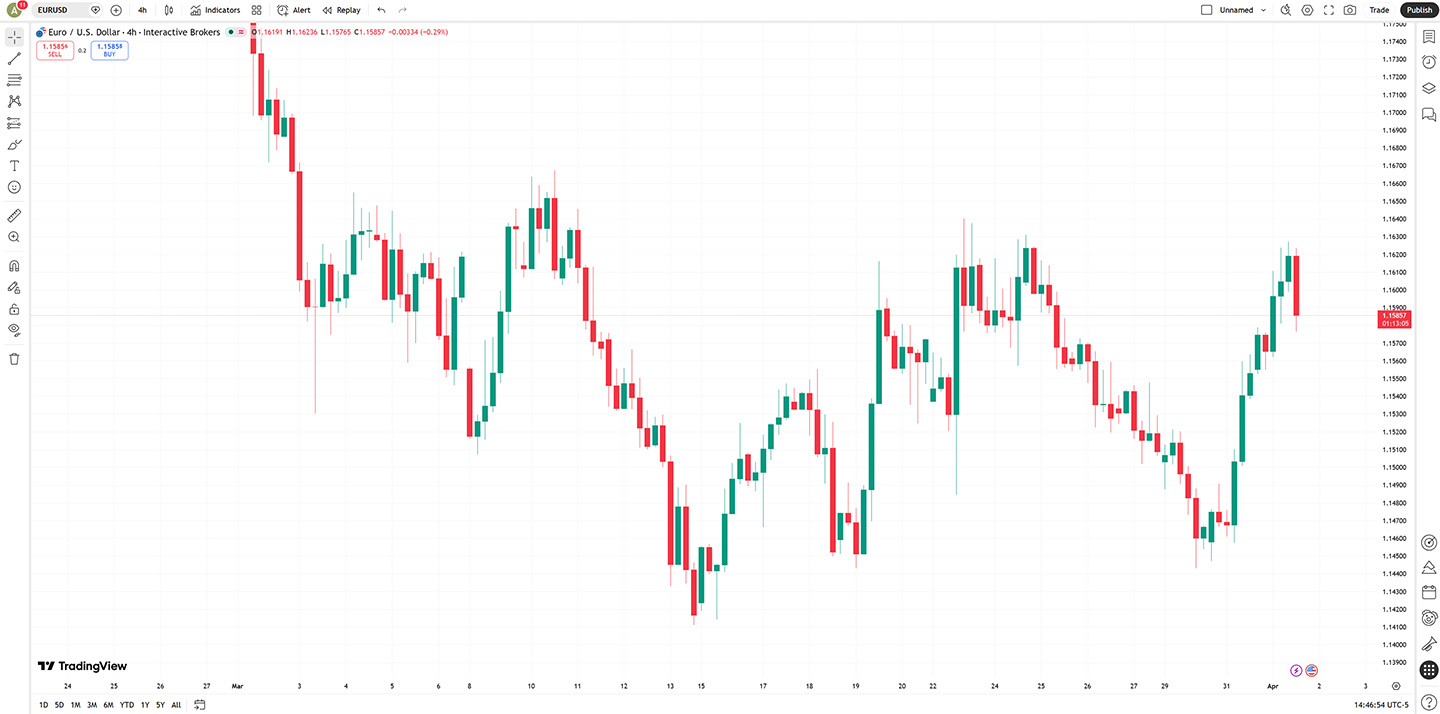
Step 1
- Once you have an Interactive Brokers account, go to the TradingView website.
- Select the Trade button in the top right corner.
If you don't have an Interactive Brokers account you will need to create a new account to continue.
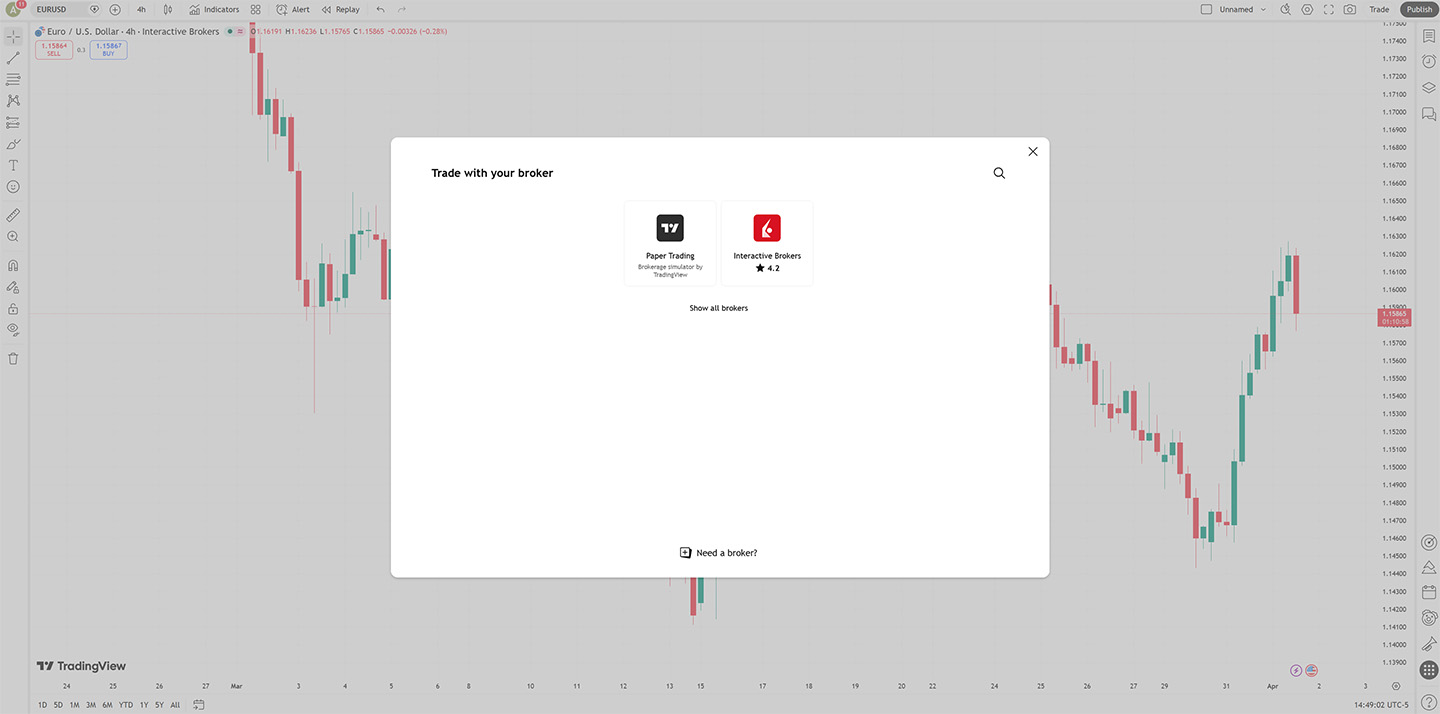
Step 2
- Click the Interactive Brokers logo to get started.
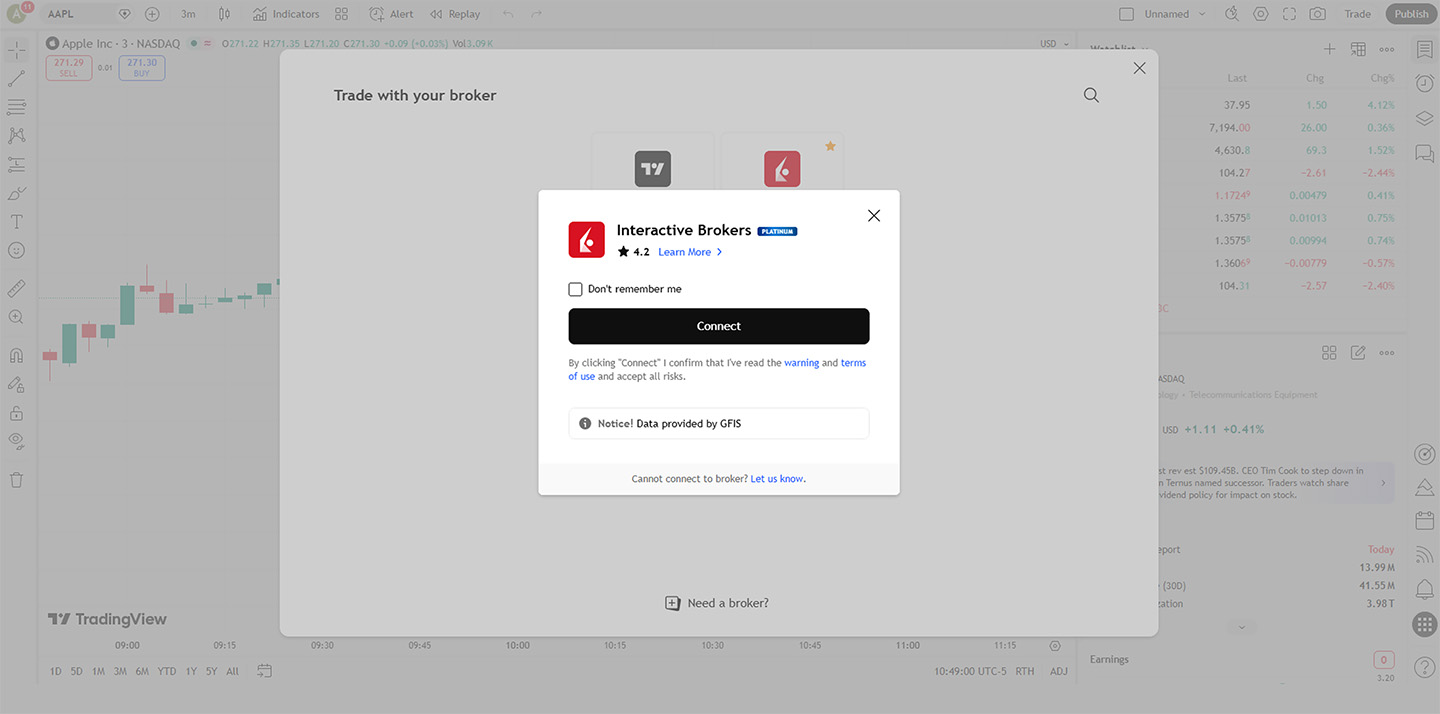
Step 3
- Click Connect.
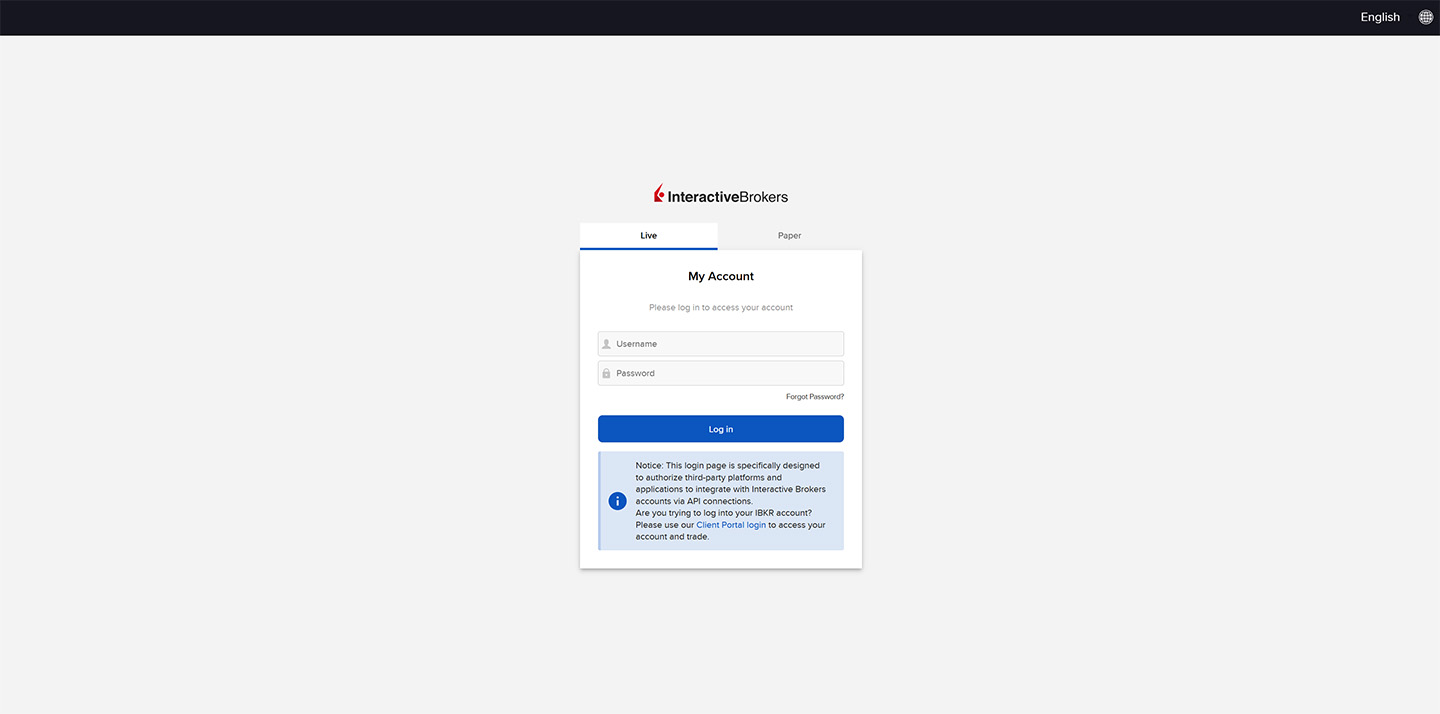
Step 4
- Toggle Live or Paper account type
- Enter your Username and Password and click Log in
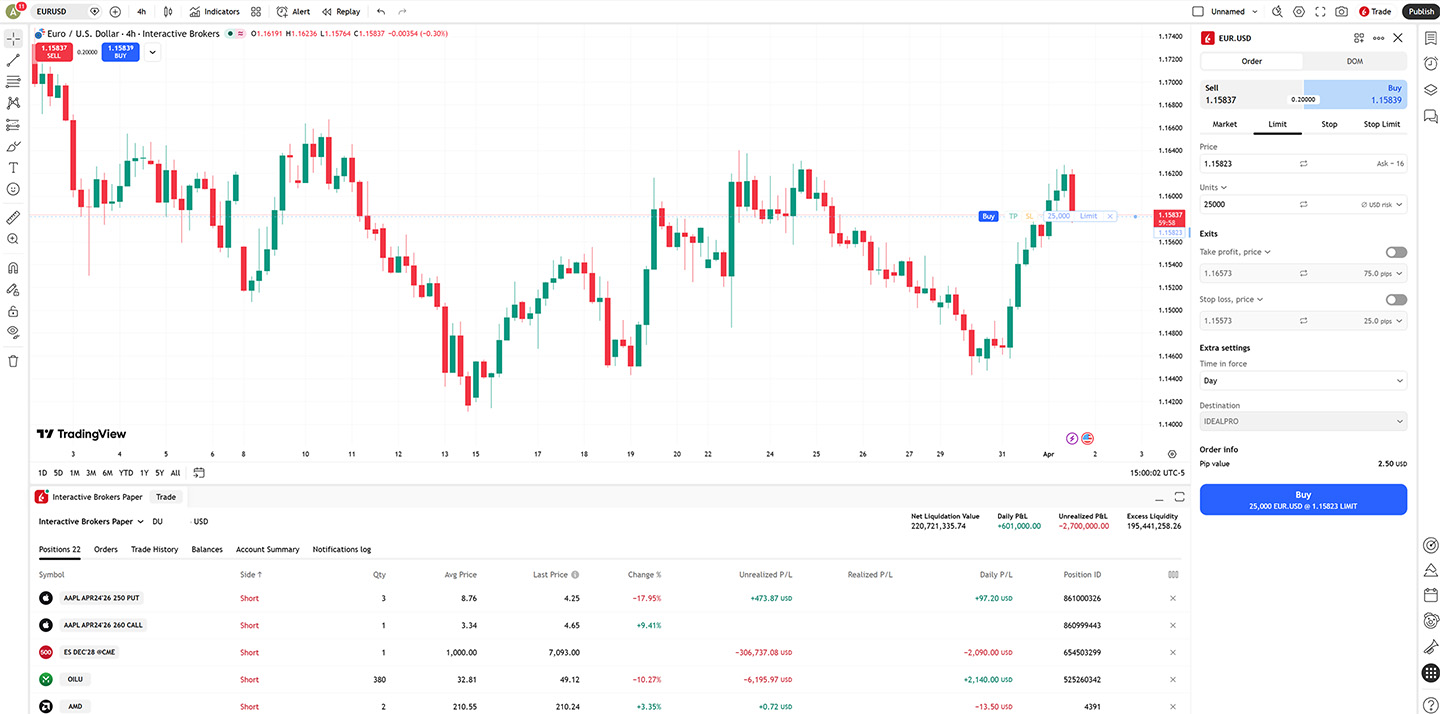
Step 5
- Start trading!
USER GUIDES
Get Started with TradingView
For more information on TradingView, select your trading platform.
Need help with TradingView?
Visit the TradingView Help Center.
Disclosures
- Available currencies vary by Interactive Brokers affiliate.
-
Margin borrowing is only for experienced investors with high risk tolerance.
You may lose more than your initial investment. Rates were obtained on September 21, 2026 from each firm's website, and are subject to change without notice. Services vary by firm. - Interactive Brokers Group and its affiliates. For additional information view our Investors Relations - Earnings Release section by clicking here
- IBKR Lite provides commission-free trades in US exchange-listed stocks and ETFs. For complete information, see ibkr.com/commissions.