Interactive Brokers Client Portal
CLIENT PORTAL
Start Here. Go Anywhere.
Access a mobile-optimized web experience
designed for control and efficiency.
Try it Now
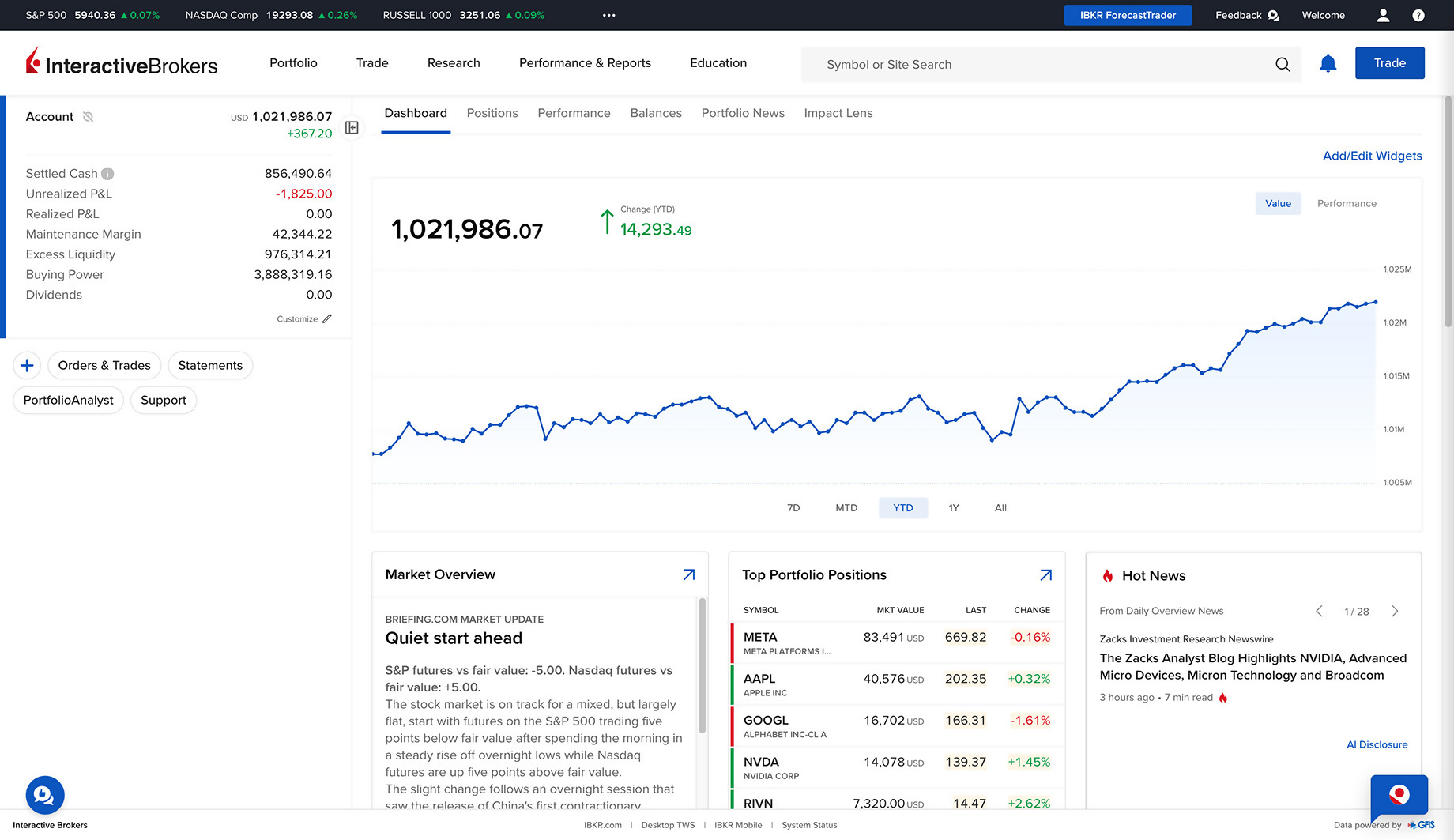
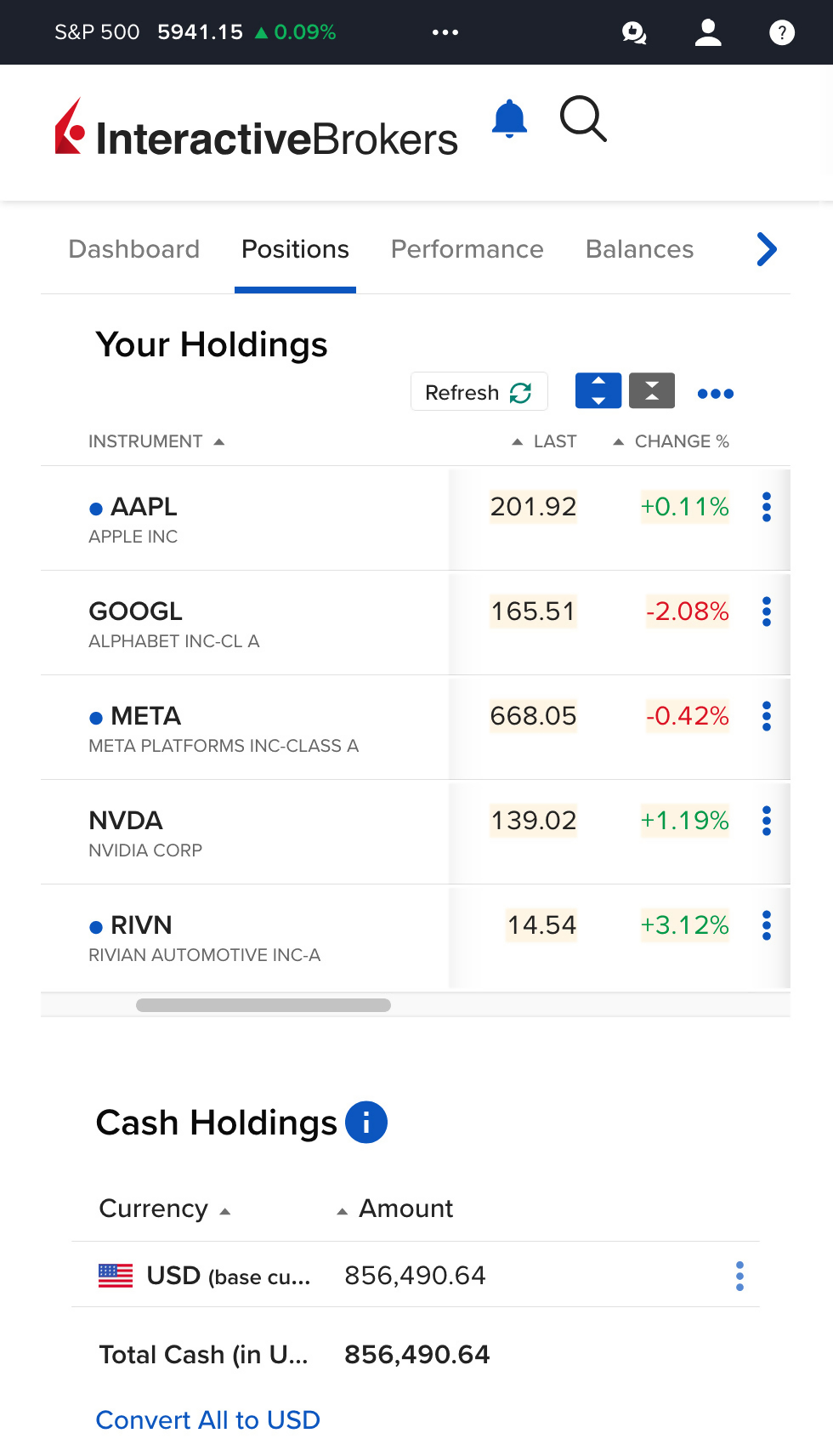
Trade, monitor balances, manage account settings, and access research and reporting tools with a single login.
No downloads required.
Simple and Intuitive
The Client Portal homepage provides a streamlined view of your account information.
At-a-Glance Account Metrics
View essential account information such as Net Liquidation Value, P&L, Buying Power and more in real-time.
Portfolio Performance
Effortlessly track your performance with our easy-to-read cumulative and monthly return charts.
Essential Elements. Efficiently Organized.
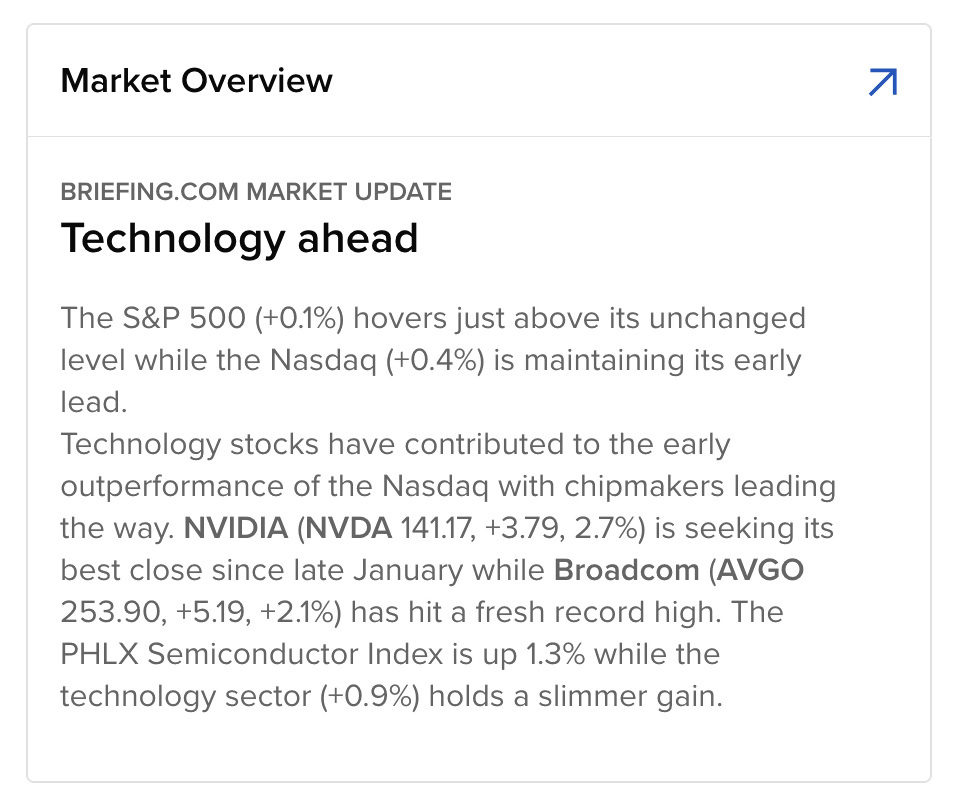
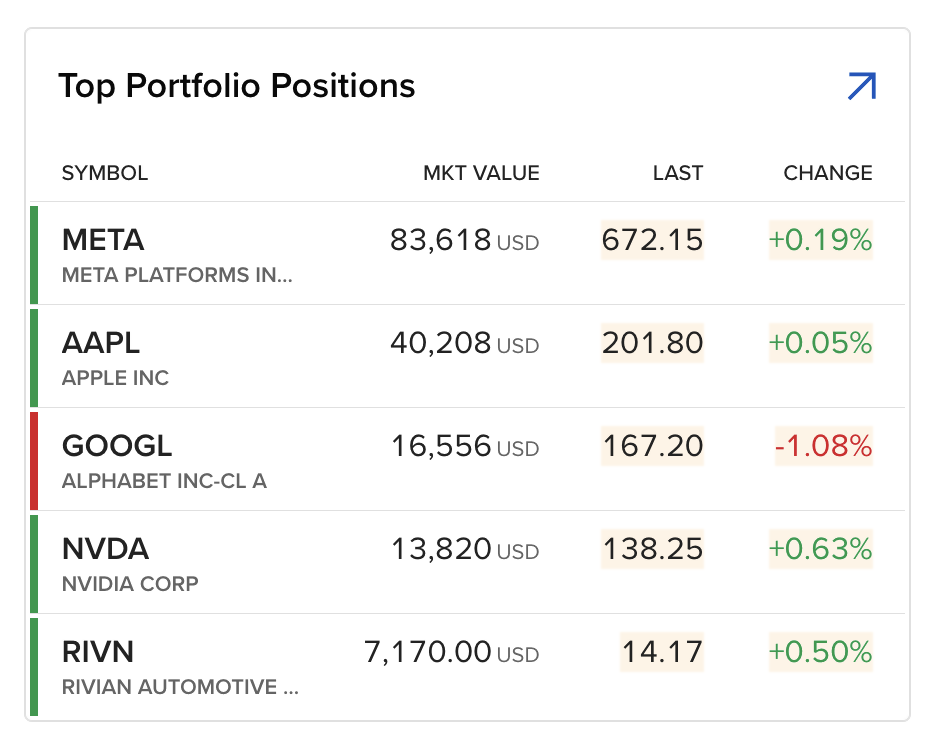
We've assembled all the important information about your account right on the Client Portal home page to make it simple and easy to monitor and trade your account. See your rate of return, portfolio positions, recent transactions, notifications and messages, portfolio and top news, available cash, and more.
All-in-One
A single login provides access to every resource you need to monitor and manage your Interactive Brokers account.
Quick Trade
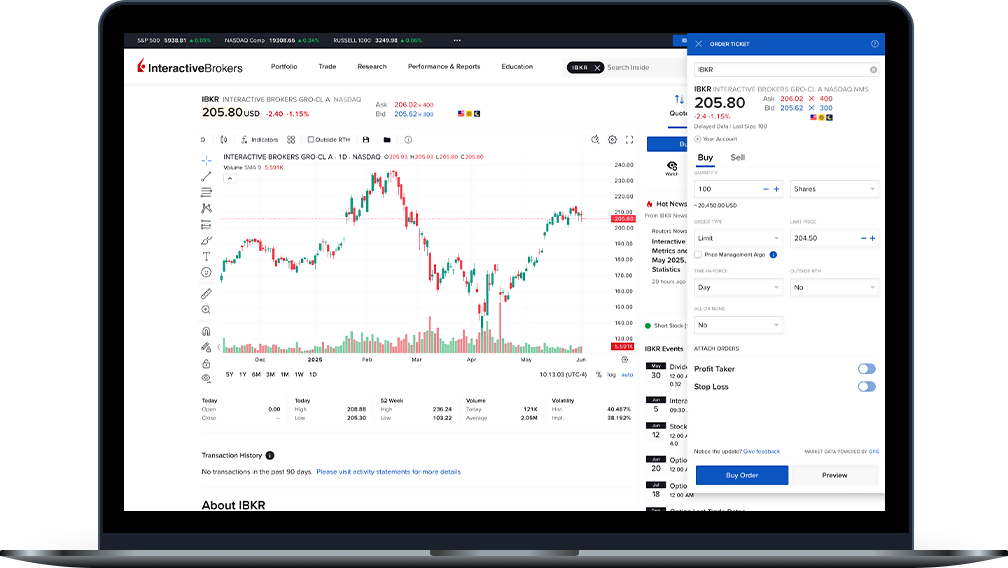
Easily place orders, manage open orders, and view recent trades from any page in the Client Portal with the slide-out trade ticket.
Notifications and FYIs
Quickly see your new messages, notifications, and FYIs, or contact client services with the notification center.
Go Deeper
Drill down with a click for greater depth and more detailed product information.
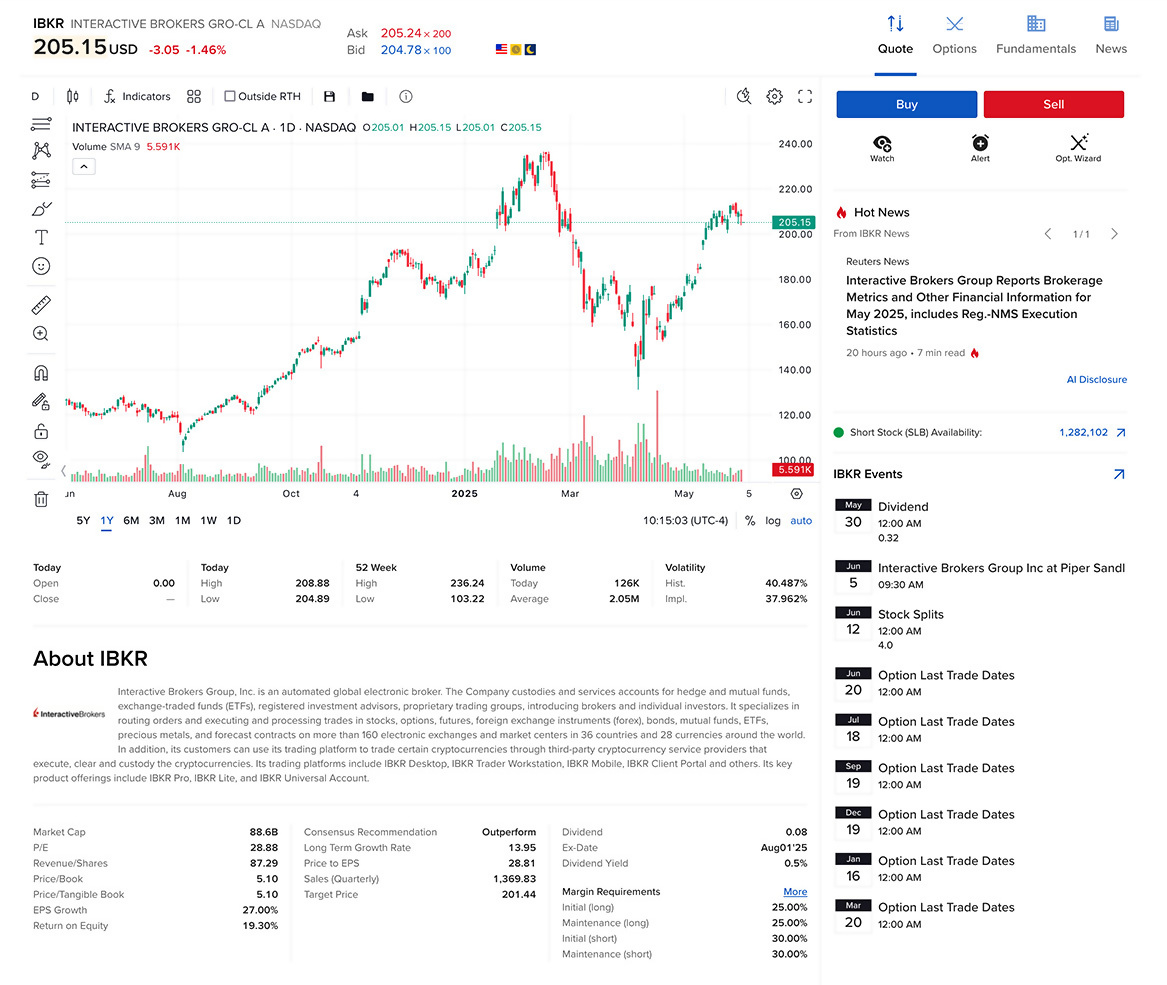
Detailed Quotes
Click any position to see comprehensive product information on the quote details page.
Advanced Charting
Customize your charts with a click to change the time period, add technical indicators such as SMA, EMA, Bollinger Bands, and display volume charts.
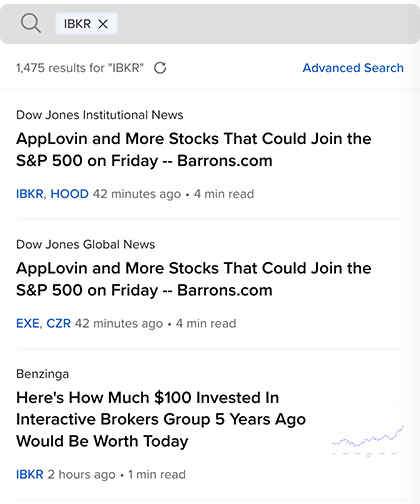
Relevant News
Stay on top of news relevant to a specific product with our live news stream.
Try Client Portal Today
Stay connected to what matters and access the key features and services of your Interactive Brokers account - all in one place and from any device.
Try it NowUSER GUIDES
Get Started with Client Portal
Add Client Portal to your device's home screen.

Any trading symbols displayed are for illustrative purposes only and are not intended to portray recommendations.